Why I am moving to Medium
- Categories:
- notes
I used to use Static Site Generator for my blog. Everything was fast, reliable, and cheap. I decide to move my blog to Medium because of one reason: time.
I have very limited free time.
The entire setup of my old blog almost nothing beyond a custom domain.
Firebase Hosting handled my old blog for free including the custom domain. The CDN for assets like CSS, JavaScript, and images only ran me about $0.01-$0.02 a month.
But to keep costs at zero, I had to sacrifice convenience.
Publishing new content requried a desktop or laptop to resize images, upload them to the CDN, build, and deploy the site.
That’s why I’ve decided to migrate to Medium.
The trade-off? I need to pay for using custom domain on Medium, but in return, I can focus on my content and use Medium’s mobile application to publish my post anywhere.
Migration Strategy
I only post new content to Medium.
My old blog lived at www.kaklabs.com, while my new home is kaklabs.com. To avoid breaking existing links, I’ve kept all old content intact on the www subdomain. Bookmarked posts will still work as before.
So if you open one of my old blog post, it will show the content as in the following image:
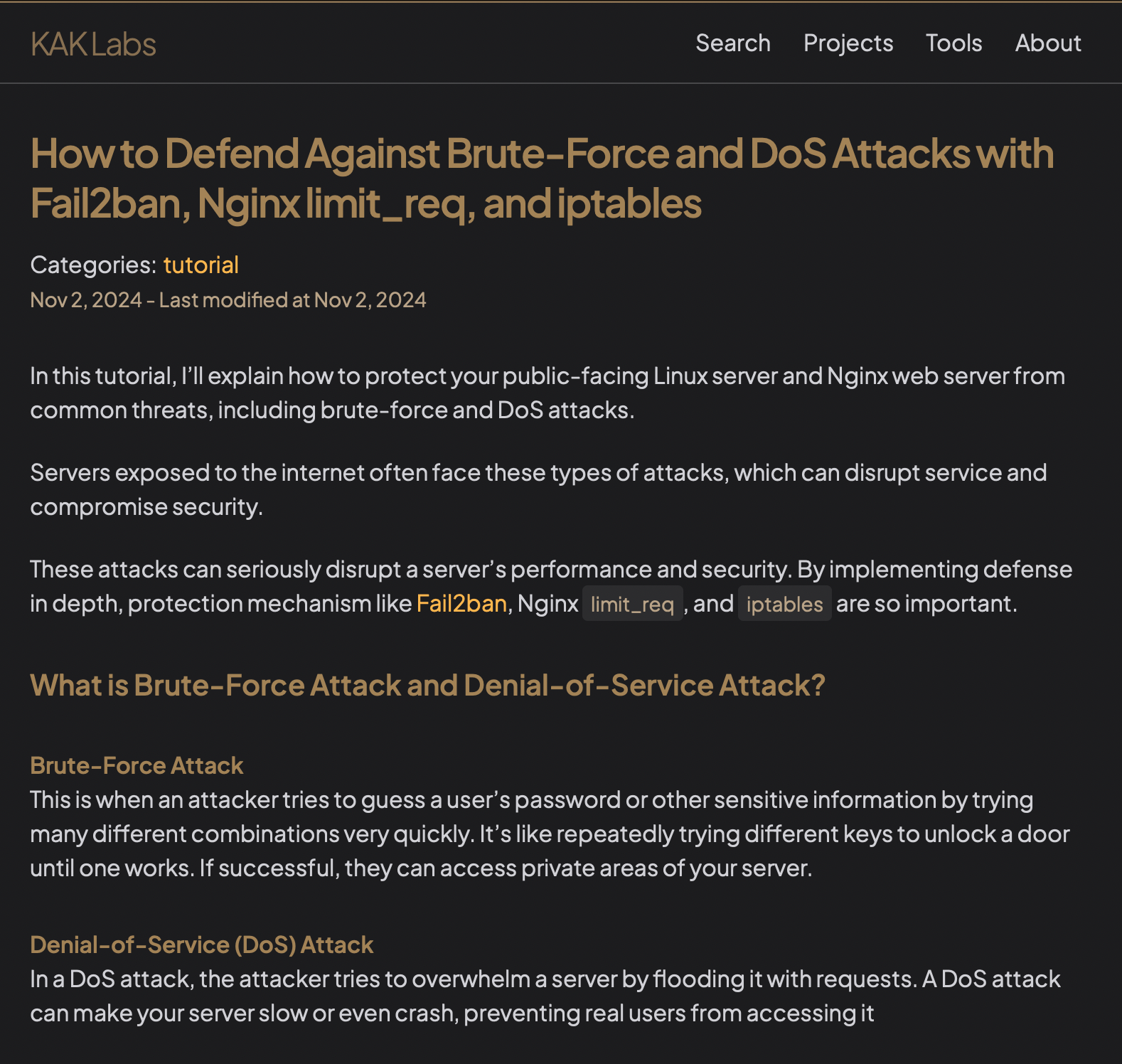
I only put redirection on my old blog homepage using the following HTML tag:
<head>
...
  <meta http-equiv="refresh" content="0; url=https://kaklabs.com/">
...
</head>
<body>
...
  <a href="https://kaklabs.com/">Redirecting to KAK Labs Medium</a>
...
</body>
With this HTML tag, every visitor that visit to my old blog’s homepage will be automatically redirected to new blog homepage at Medium.
- Tags:
- #blog